


 Logo_Belfius_NEW
 Logo_BNP_NEW
 Logo_KBC_NEW
 Logo_CBC_NEW
 Logo_ING_NEW
 Logo_Fintro_NEW
 Logo_HelloBank_NEW
What do you need?

Your smartphone

Your PIN code

Your bank card and bank card reader (optional)
1. Download the itsme® app on your smartphone


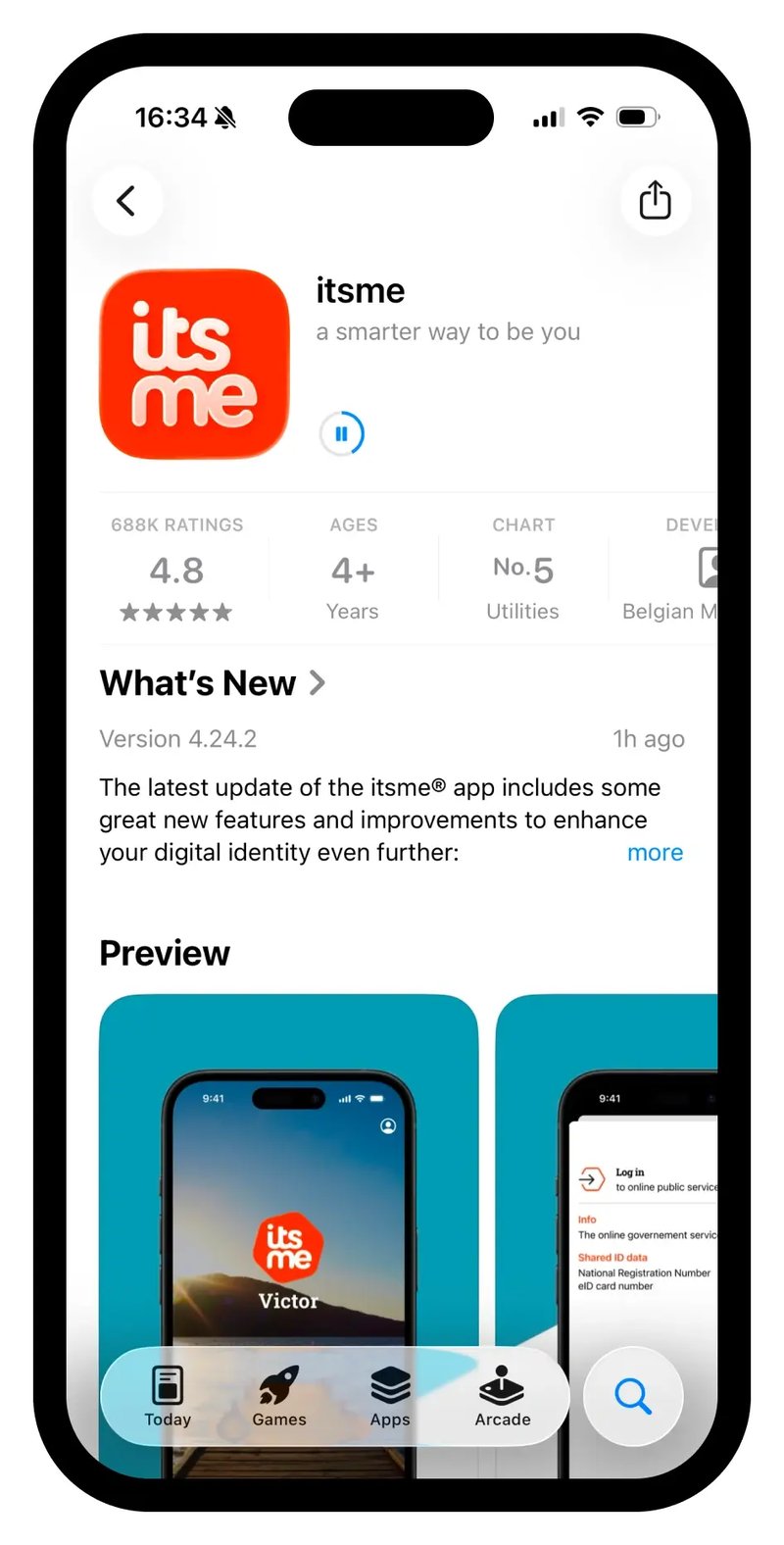 Step=1_download, Device=Phone
1. Download the itsme® app on your smartphone
Step=1_download, Device=Phone
2. Enter your phone number
Double check your number to be sure.
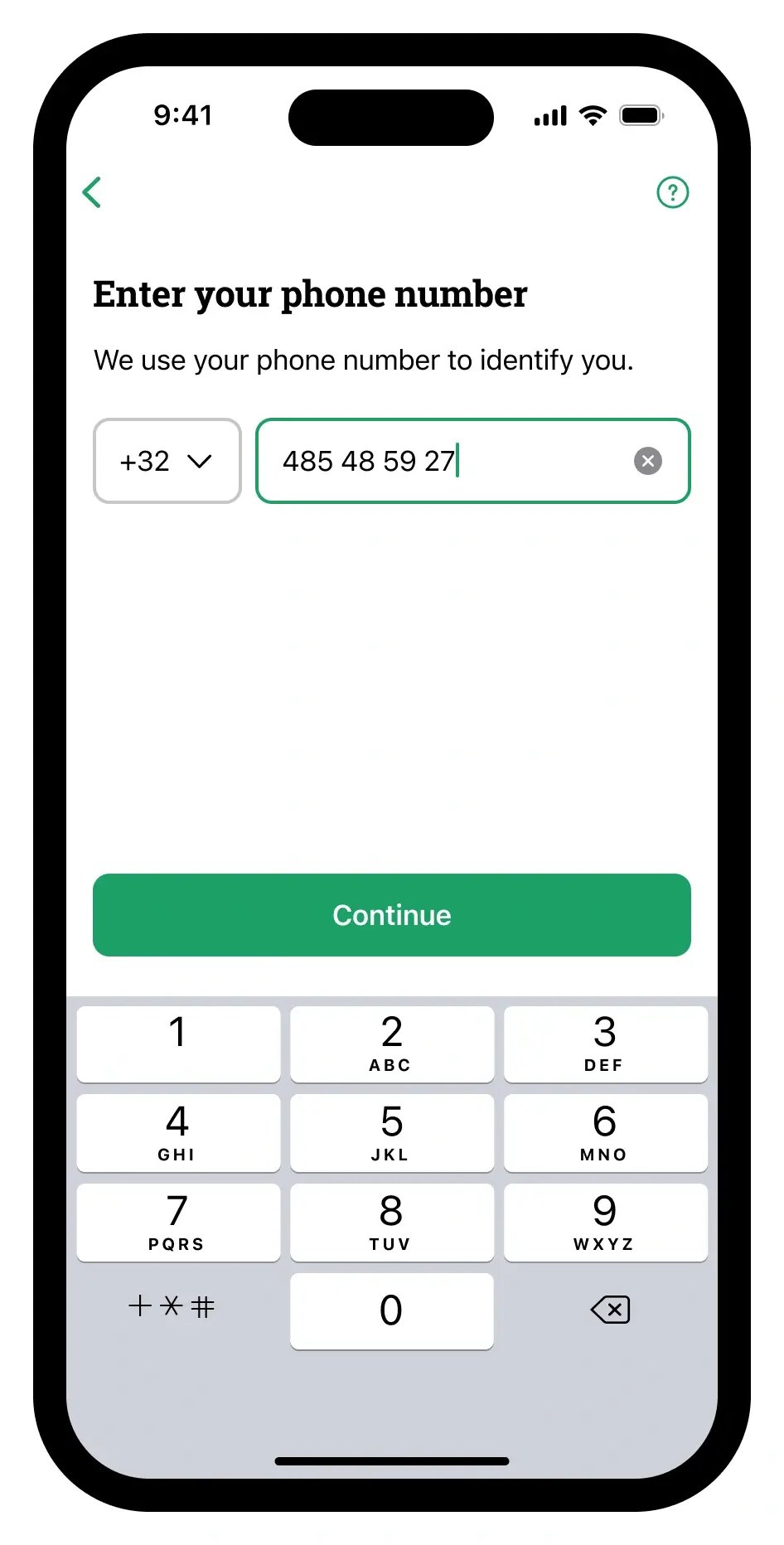 Step=2_phone nr, Device=Phone-1
3. Enter your email address
Double check your email address to be sure.
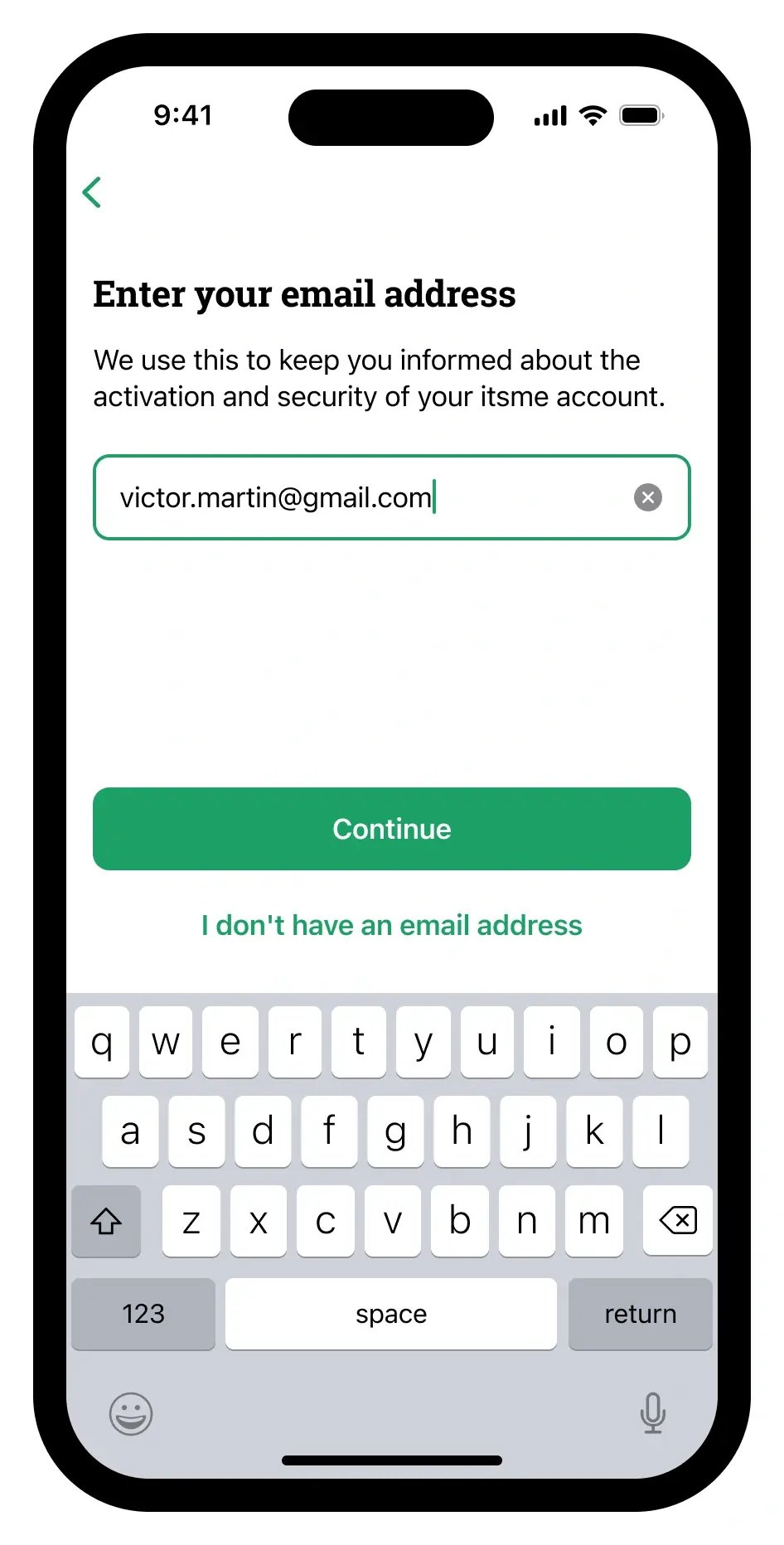 Step=3_email, Device=Phone
4. Choose your bank to activate your itsme®
Only ID data will be exchanged to activate your itsme®, no financial data.
Your bank is not in the list? You can activate your account with eID.
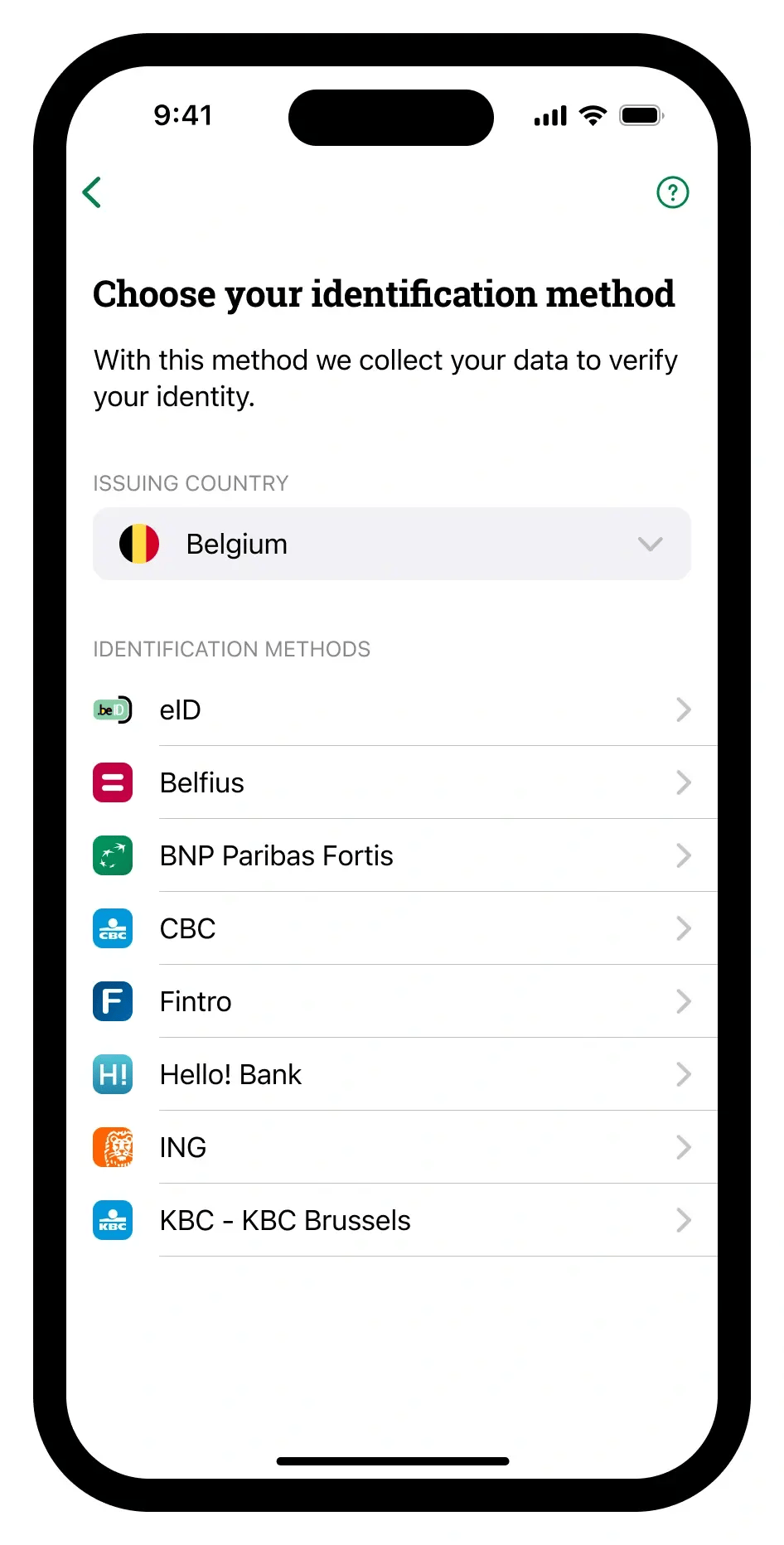 Step=4_choose identification method, Device=Phone
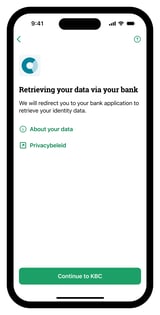
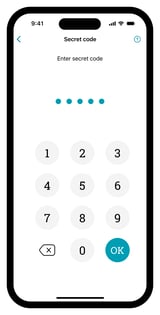
5. Follow the steps in the app or on the website of your bank
You might need your bank card, card reader and PIN code for this step.
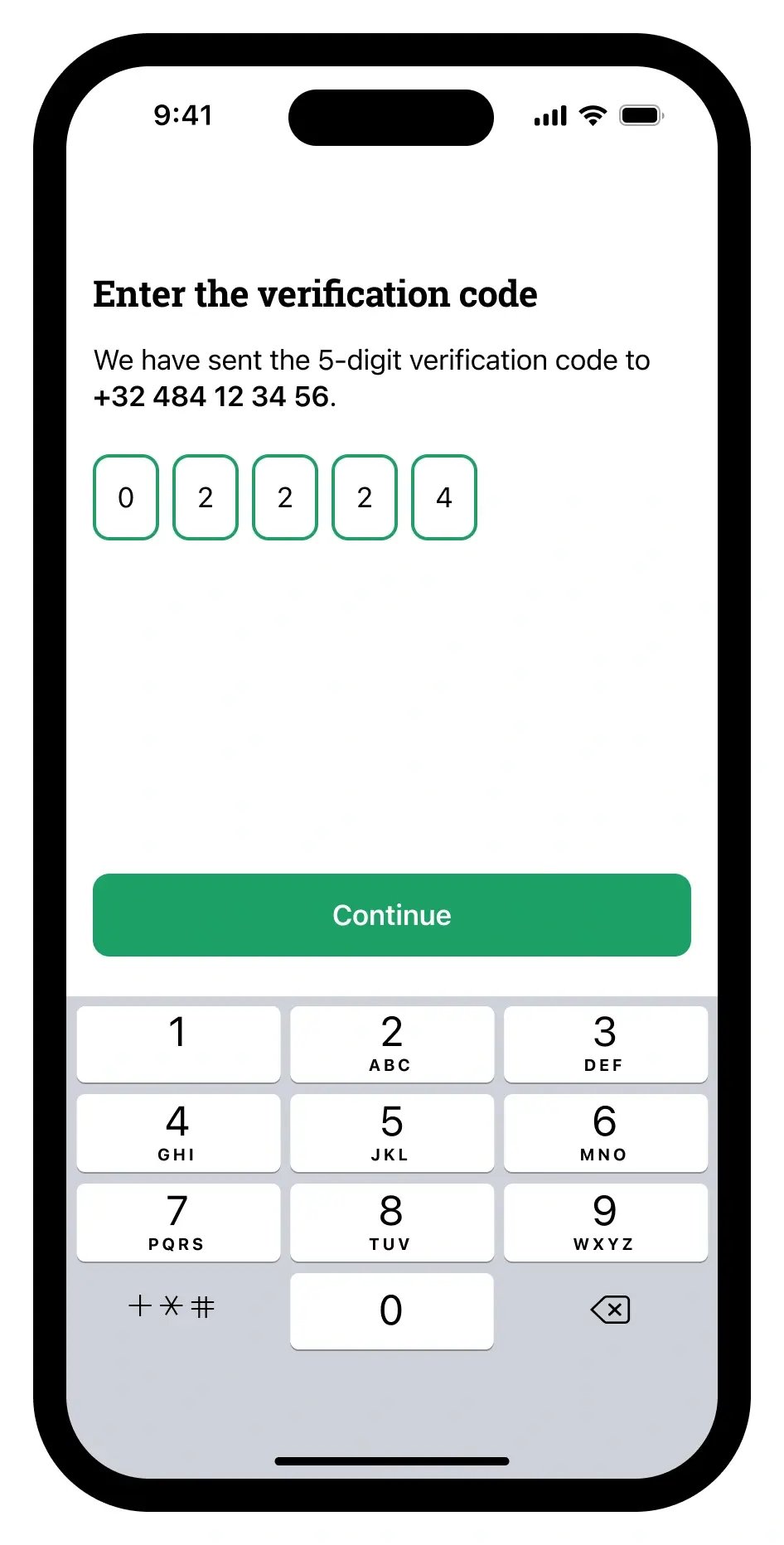
6. You will receive a verification code
You will receive a text message with a verification code from the number 8836. Enter the 5 digits into the app.
 Step=8_enter verification code, Device=Phone
7. Choose your itsme® code
And confirm again.
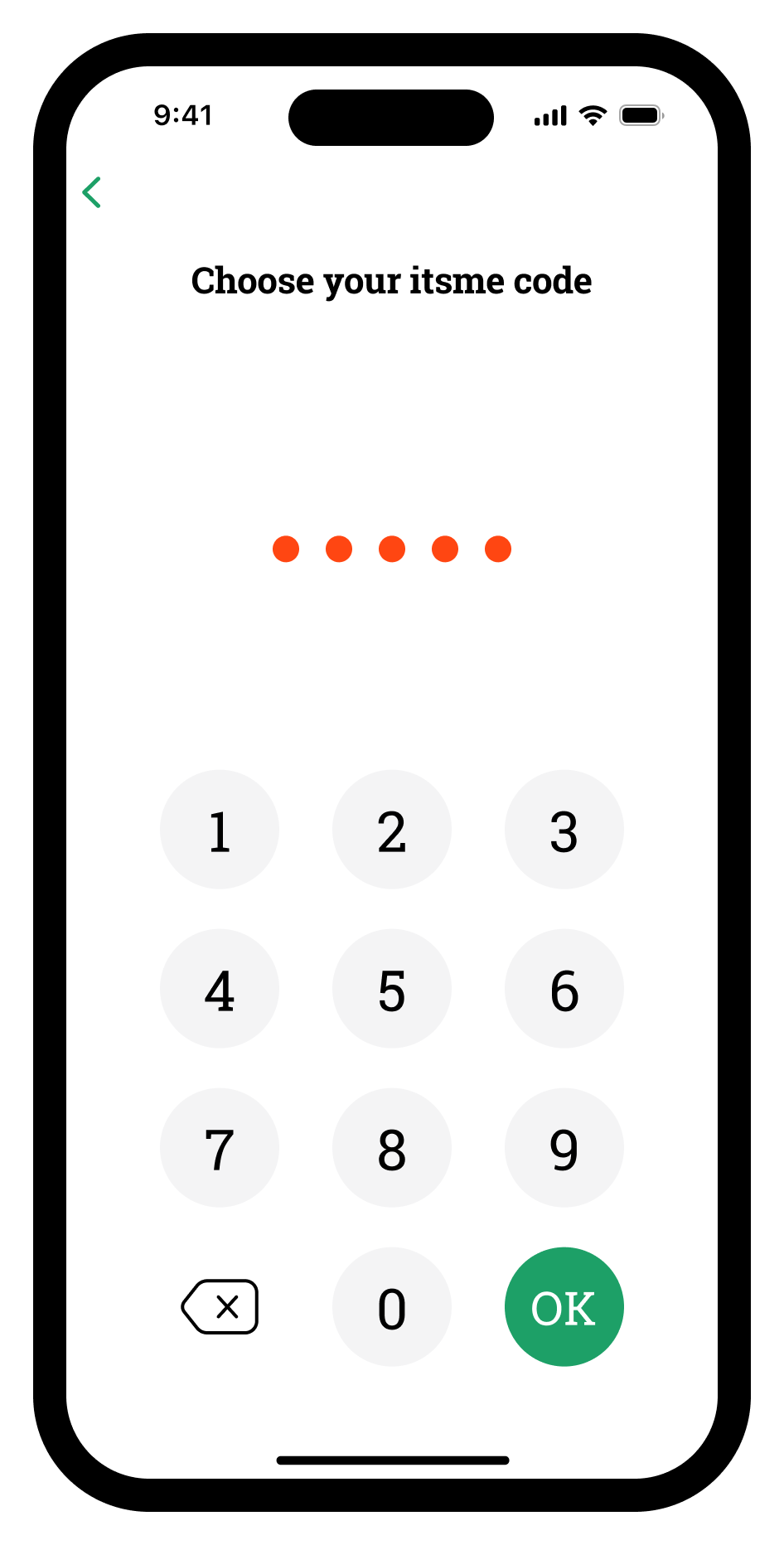 Step=10_enter itsme code, Device=Phone
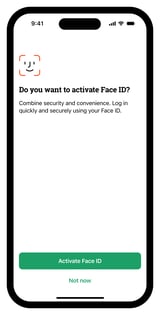
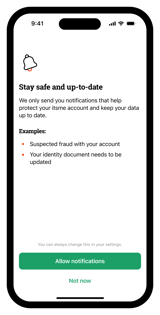
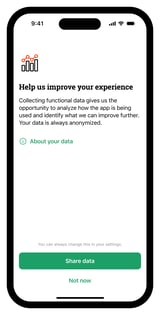
8. Set up security and preferences
Activate touch ID, fingerprint or face ID if you wish. Set up your notification and data sharing preferences.
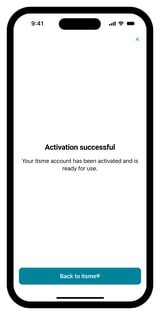
9. Your digital identity has been successfully activated!
Thanks for your trust.
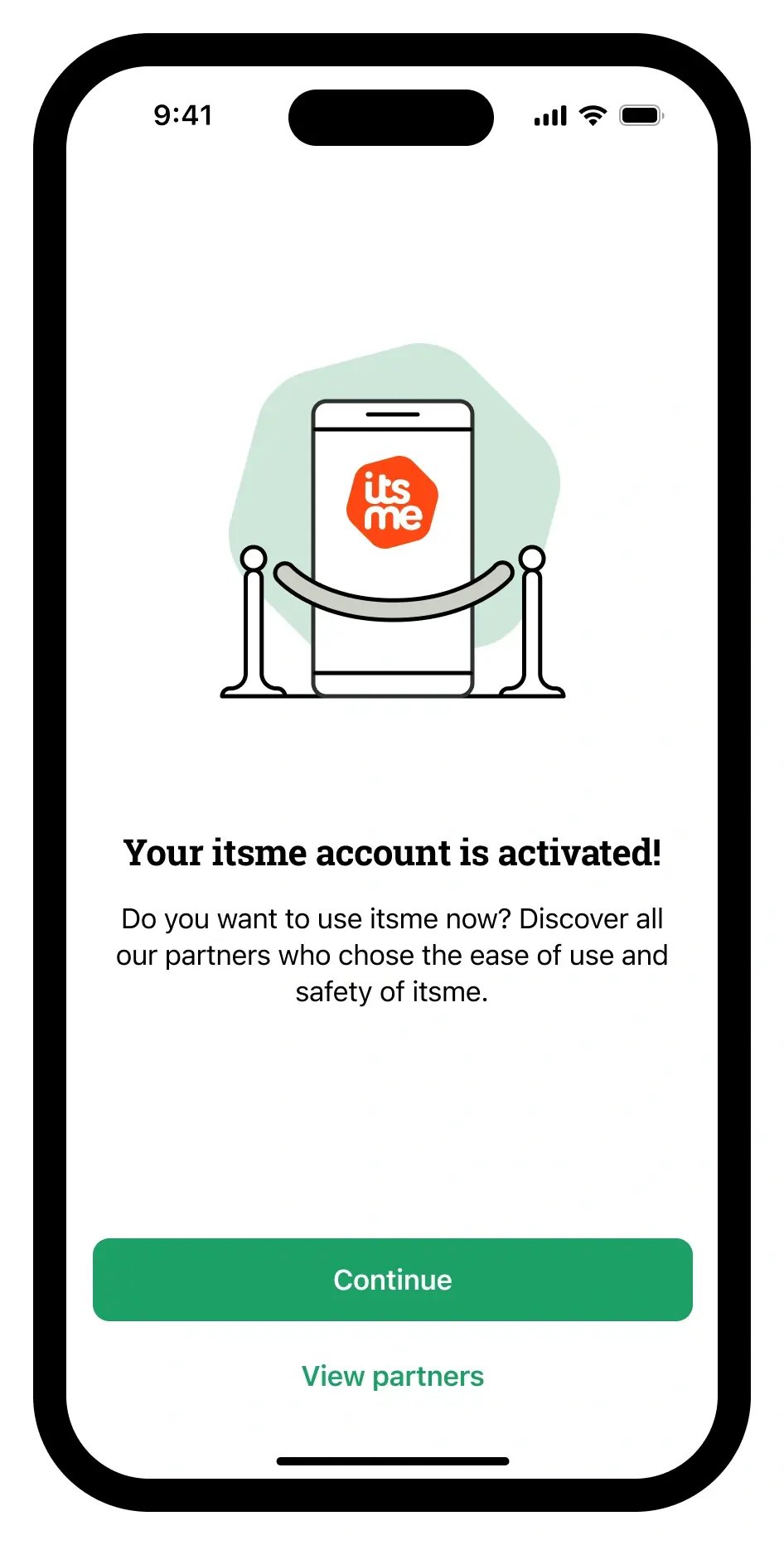 Step=15_account activated, Device=Phone